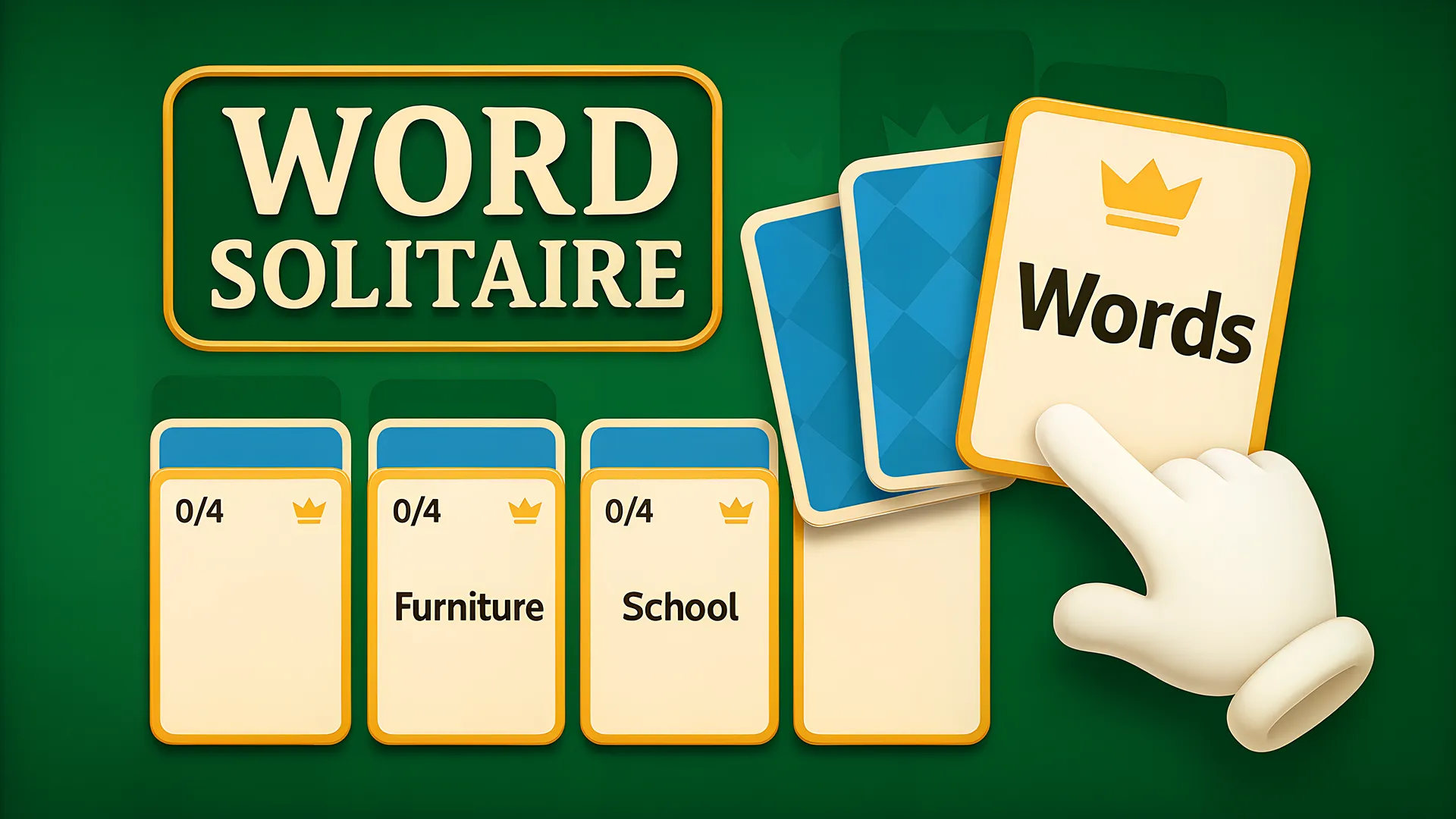

Word Solitaire is a word-association card puzzle supplied by Playgama: word cards and category cards take the place of regular playing cards, and each level starts with a partially filled board.
Controls
The current official Controls listing names Click for desktop and Tap for mobile. It does not specify mouse buttons, keyboard keys, or further gestures. These publisher-listed inputs have not been locally tested, so treat prompts inside the game as the source for any on-screen action.
Getting started
Choose Play game to open the official provider-hosted frame, then follow the supplier start prompt if it appears. Once the board loads, draw one card at a time from the deck: place a category card to start a stack, then add the matching word cards until the set is complete. Frame loaded means the page loaded, not that a round has already started.
Loading and playback
While the embedded frame is still waiting to load or report an error, a slow-loading notice may appear. It stops once the frame loads or errors, and does not measure time inside a loaded menu, ad, or gameplay. You can keep waiting, choose Reload game, or select Open on Playgama. Reload opens the same official URL in a new frame without guaranteeing saved progress or a fresh reset. Close game unloads the frame; Play game reopens it. Fullscreen depends on browser support, with in-page play as fallback.
Devices
The supplier catalog lists desktop, Android, and iOS availability as a supplier claim only. Actual gameplay checks are pending; Mobile touch has not been tested.