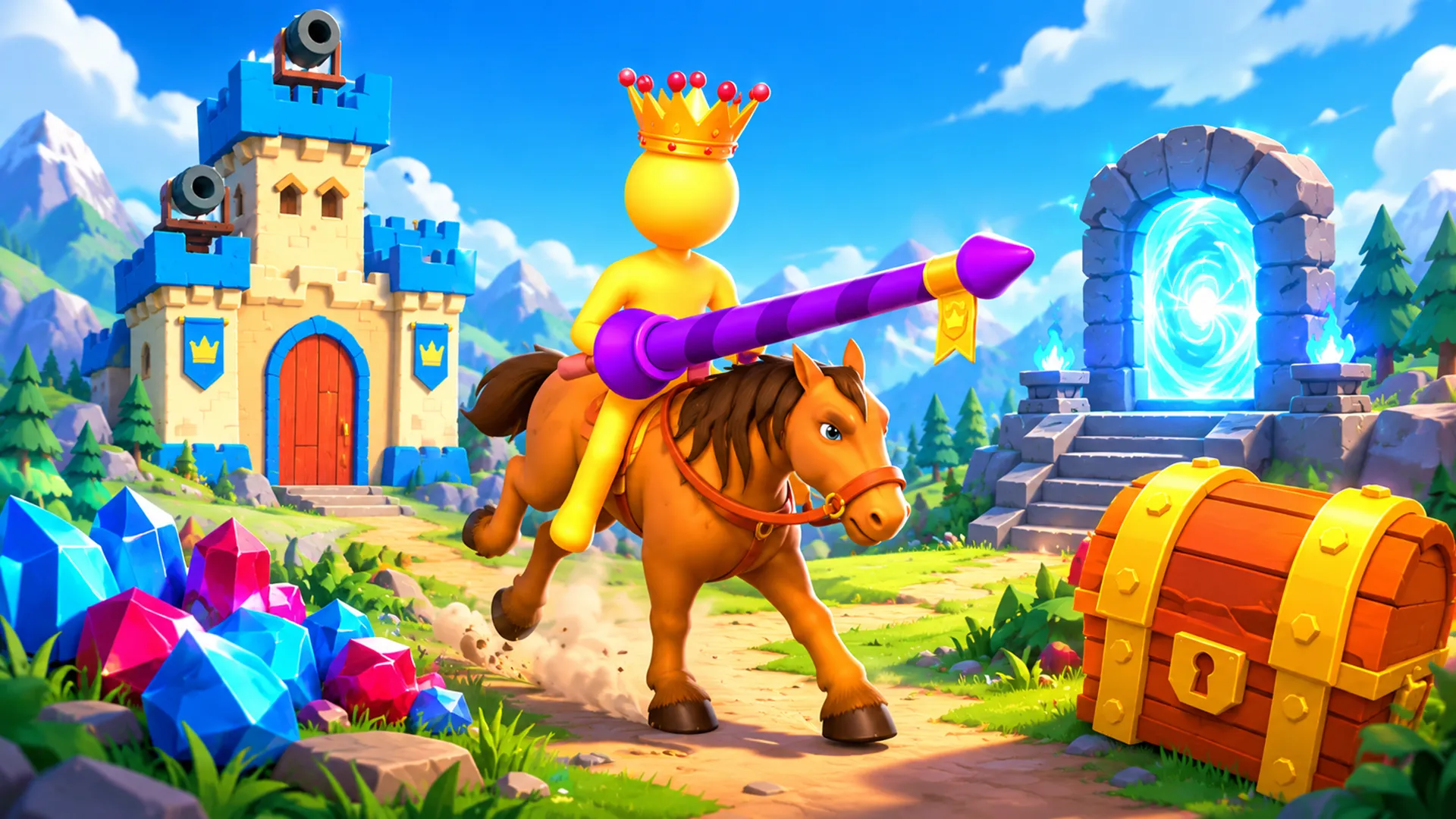

This is the FPDA browser simulation My Little Kingdom, not the older mobile games that share the same title. The publisher describes gathering resources, selling materials for gold, expanding land and defending the kingdom.
Controls
The publisher lists mouse, WASD and arrow-key character input for PC play. These are supplier-described controls rather than a locally verified mapping.
Getting started
Choose Play game to load the official embedded frame, then follow any supplier start prompt if one appears. A Game frame loaded status means only that the frame loaded; it does not confirm gameplay has begun. The observed scene tutorial asks you to collect wood from the sawmill and shows an initial 200 coins.
Loading and playback
If the embedded frame has not finished loading or reported an error after 20 seconds, a slow-loading notice appears. It is not proof of failure: you can wait, choose Reload game, or use Open on Playgama. Reload recreates the same embedded frame, but it is not an in-game new-game or reset command, and neither save retention nor reset is guaranteed. Close game unloads the frame; choosing Play game loads it again. Fullscreen works only when the browser allows it. If the request fails, you can continue playing in-page.
Devices
The publisher lists PC inputs and touch as a supplier claim. Mobile touch has not been tested. A narrow-screen layout does not establish touch gameplay.